
Most small businesses approach security the same way: adding tools one at a time as problems arise, paying for products nobody manages, and hoping the gaps don't get exploited before someone notices them.
Secure Workplace 360 is built differently. It brings together every layer of protection a modern cloud-first business needs, configures everything to Cyber Essentials standards from day one, and keeps it managed and up to date, with a pass guarantee to prove it.
One service. One team. No security gaps left to chance.
Most businesses trying to achieve Cyber Essentials certification do it in the wrong order. They run an assessment, find out what's failing, scramble to fix it, and often need a second attempt. That process is expensive, disruptive, and unnecessary.
Secure Workplace 360 is built around the Cyber Essentials technical controls from day one. Endpoint configuration, patch management, access control, malware protection, and network boundary controls are all configured and maintained to the required standard as part of the service.
For businesses facing customer requirements, tender obligations, insurance requirements, or internal governance expectations, this is the fastest and most reliable route to certification, without building it backwards.

Cloud-first businesses often assume they're more secure than they are. No local servers means no local risk or so the thinking goes.
In practice, the risk just moves. Unmanaged devices connecting to cloud platforms. Weak or reused passwords. No visibility over who has access to what. Phishing emails reaching staff who haven't been trained to spot them. Business email compromise enabled by misconfigured email domains. Data in Microsoft 365 with no backup.
None of these are exotic threats. They're the most common causes of security incidents for exactly the kind of business Secure Workplace 360 is designed for.
Secure Workplace 360 brings together six layers of protection - each addressing a different attack surface, all configured consistently, all managed as part of the service.

Every device your team uses to access business systems is a potential entry point. Secure Workplace 360 includes enterprise-grade endpoint protection across all managed devices: malware detection, ransomware prevention, threat intelligence, and automated response, combined with endpoint management that gives us full visibility and control.
Devices are enrolled, configured to the Cyber Essentials baseline, kept patched, and monitored continuously. Unmanaged or non-compliant devices can be identified and blocked from accessing your environment.
Business email is the primary attack vector for phishing, impersonation, and fraud. Without proper email domain configuration, your domain can be used to send fraudulent emails to your clients, suppliers, and staff, without your knowledge.
Secure Workplace 360 includes full email authentication configuration, protecting your domain from being spoofed, monitoring for abuse, and giving you visibility over all email being sent on your behalf.
Weak, reused, or shared passwords are behind the majority of cloud account compromises. Secure Workplace 360 includes enterprise password management for your entire team: encrypted password vaults, enforced password policies, secure sharing where needed, and protection against credential exposure.
Staff get a tool that makes good password practice easy. You get the assurance that credential risk is managed, not hoped for.
Maintaining a consistent, compliant configuration across your devices and platforms is harder than it sounds, especially as teams grow, people leave, and new tools are added. Without active management, configuration drift is inevitable.
Secure Workplace 360 includes compliance management tooling with a dedicated Cyber Essentials module, giving you continuous visibility over your configuration status, flagging drift before it becomes a problem, and maintaining the audit trail needed for certification and governance.
Technology controls reduce risk. Trained staff reduce it further. Secure Workplace 360 includes ongoing security awareness training and regular simulated phishing campaigns: so your team knows what to look for, and you can see who needs more support.
Training is delivered online, updated to reflect current threats, and tracked so you have evidence of staff engagement for Cyber Essentials and insurance purposes.
Microsoft 365 does not fully back up your data. Emails, files, SharePoint content, Teams messages, and OneDrive data can all be permanently lost through accidental deletion, ransomware, or account compromise. unless you have a separate backup layer in place.
Secure Workplace 360 includes automated daily backups of your Microsoft 365 environment, with point-in-time recovery and retention policies aligned to your compliance requirements.
Secure Workplace 360 includes Vorago IT Premium IT Support: giving you a team available to deal with day-to-day IT issues, user queries, and anything that needs a person rather than a platform.
Security technology works best when someone is managing it. Premium IT Support is the team that does.
Cyber Essentials certification requires five technical controls to be in place and demonstrably maintained: firewalls and internet gateways, secure configuration, user access control, malware protection, and patch management.
Secure Workplace 360 is configured to meet all five from the moment you go live. Endpoint management handles secure configuration and patching.
Endpoint protection covers malware. Compliance management maintains access control and configuration standards. Your environment is in a certifiable state, not something you need to work toward separately.
| Cyber Essentials Control | How Secure Workplace 360 Addresses It |
|---|---|
| Firewalls & internet gateways | Device-level firewall management and network access policies enforced via endpoint management |
| Secure configuration | Cyber Essentials-aligned baseline applied at enrolment and maintained via compliance management |
| User access control | Password management, MFA enforcement, and access policies managed and monitored |
| Malware protection | Enterprise endpoint protection active on all managed devices |
| Patch management | Automated patching monitored and reported via endpoint management and compliance tooling |

Secure Workplace 360 is priced on a base fee plus a per-user monthly charge: so your cost scales with your team, and you always know exactly what you're paying.
Use the calculator below to get an instant price for your team size.

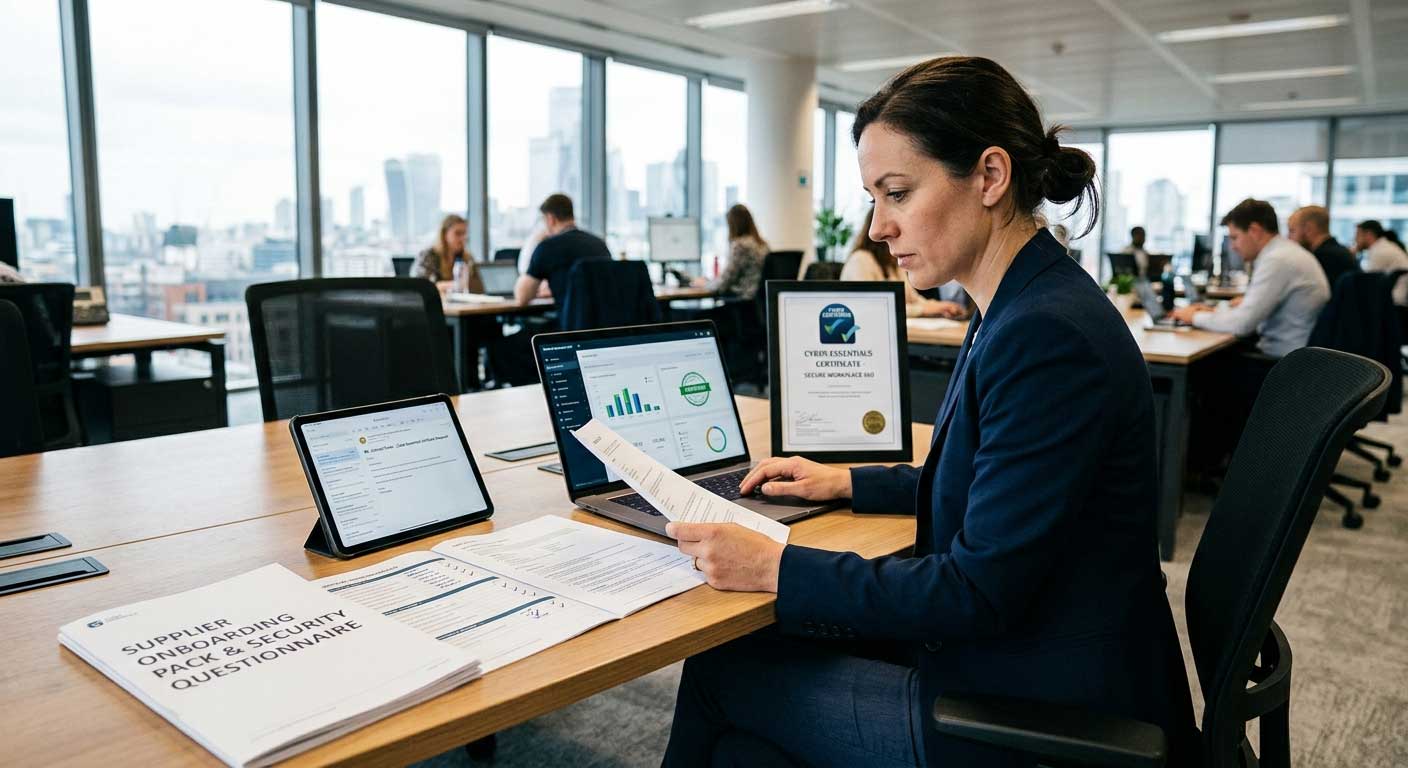
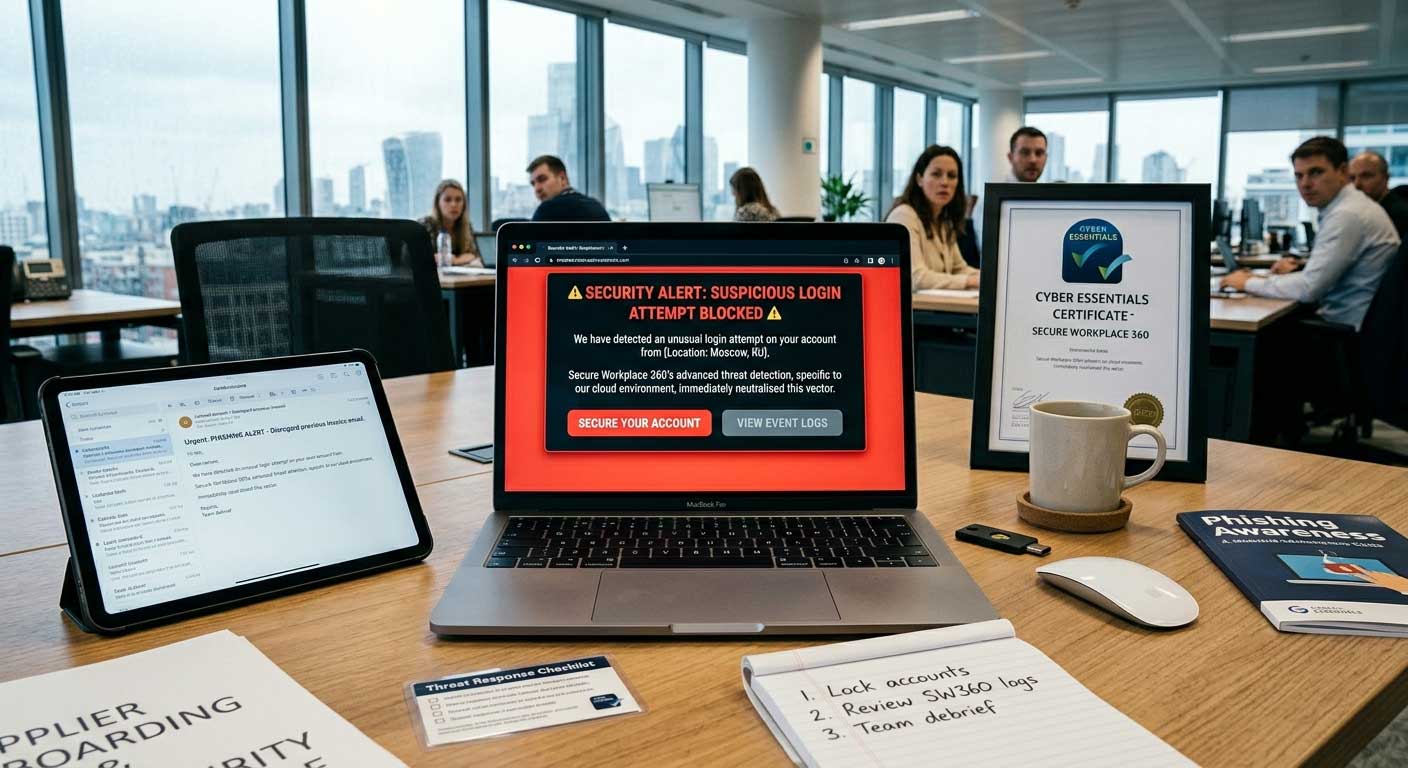
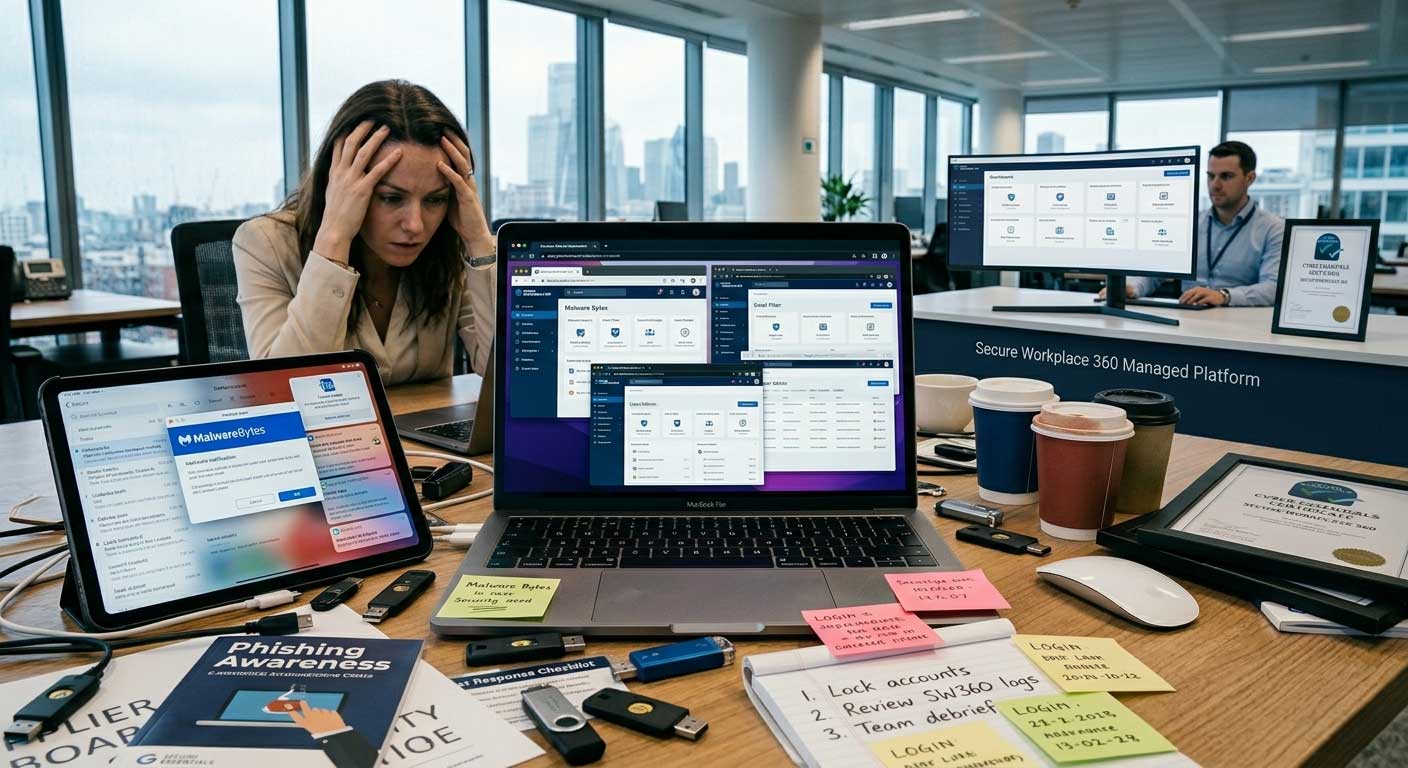
Whether you're responding to a customer requirement, preparing for certification, or just want to know your security is in order, the first step is a quick conversation.
We'll ask about your environment, your team size, and what you're trying to achieve. We'll give you a clear picture of what Secure Workplace 360 covers, what it costs and how to implement it.
No obligation. No jargon. Just a straight conversation about your security.
Registered Address:
© Vorago Limited (trading as Vorago IT)
1 Watervole Way
Doncaster
DN4 5JP
info@voragoit.com
0333 301 0818
Company Registration Number: 11334302
VAT Registration Number: GB301878213